It won't let
you forget.
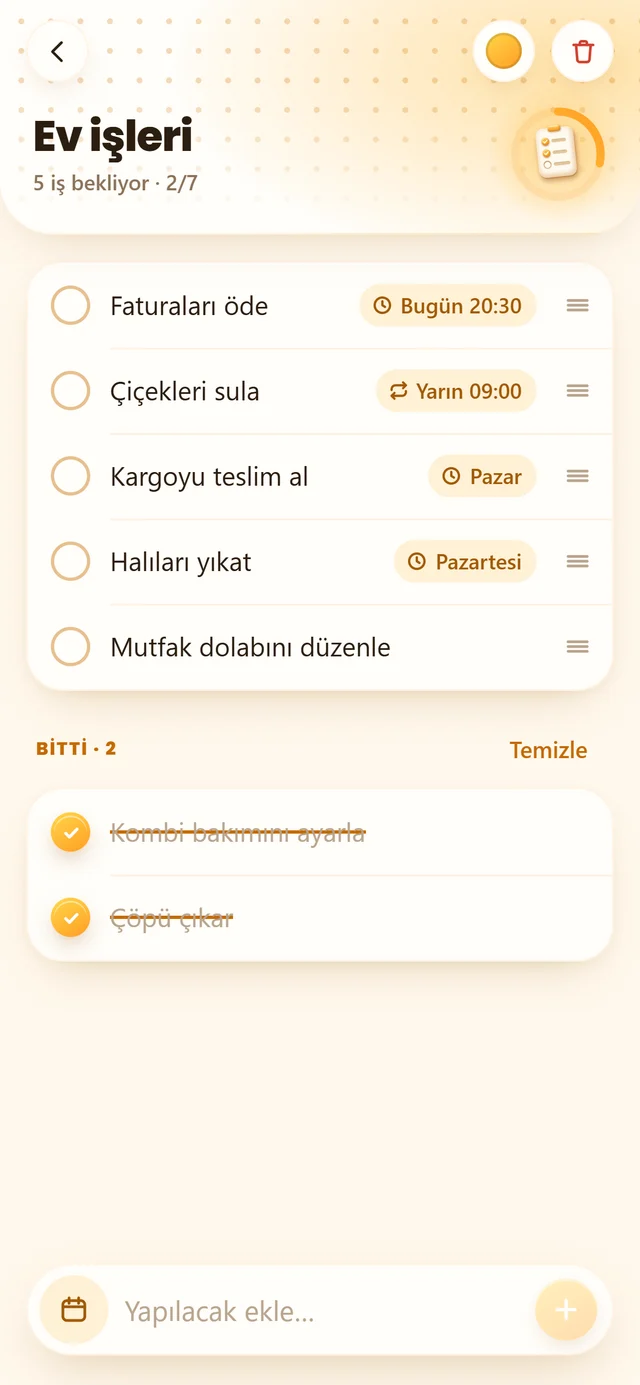
Give your to-dos a date and time, and 77 Notes reminds you right on time. Mark it Done or snooze it for 10 minutes from the notification, without even opening the app.
- Tasks that repeat every day, week, month or year
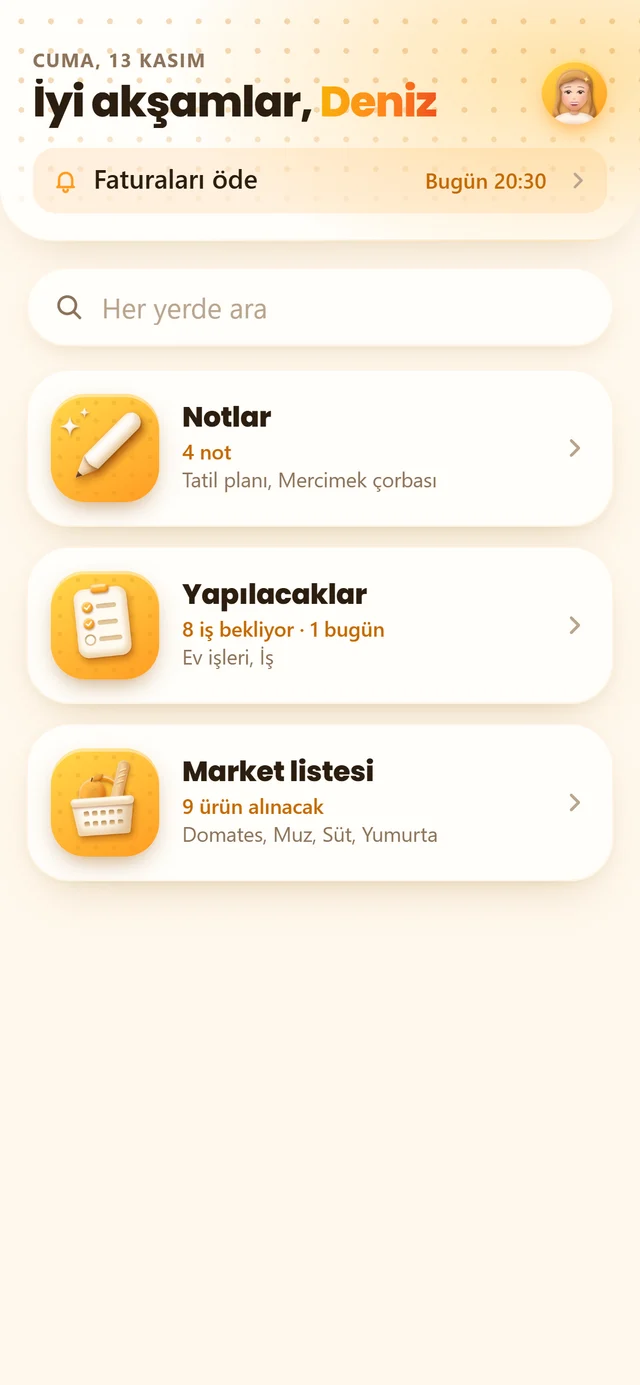
- Today's and overdue tasks in a single line on the home screen
- Drag to reorder, clear finished tasks with one tap
Never miss
a thing.
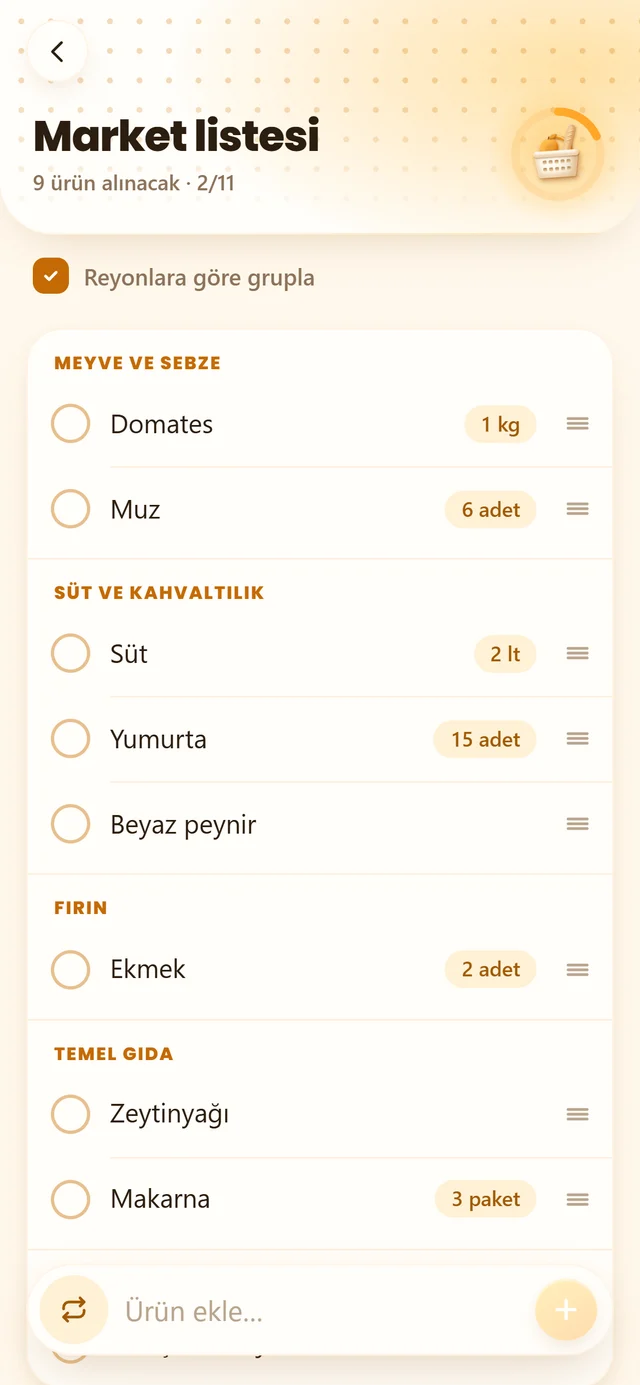
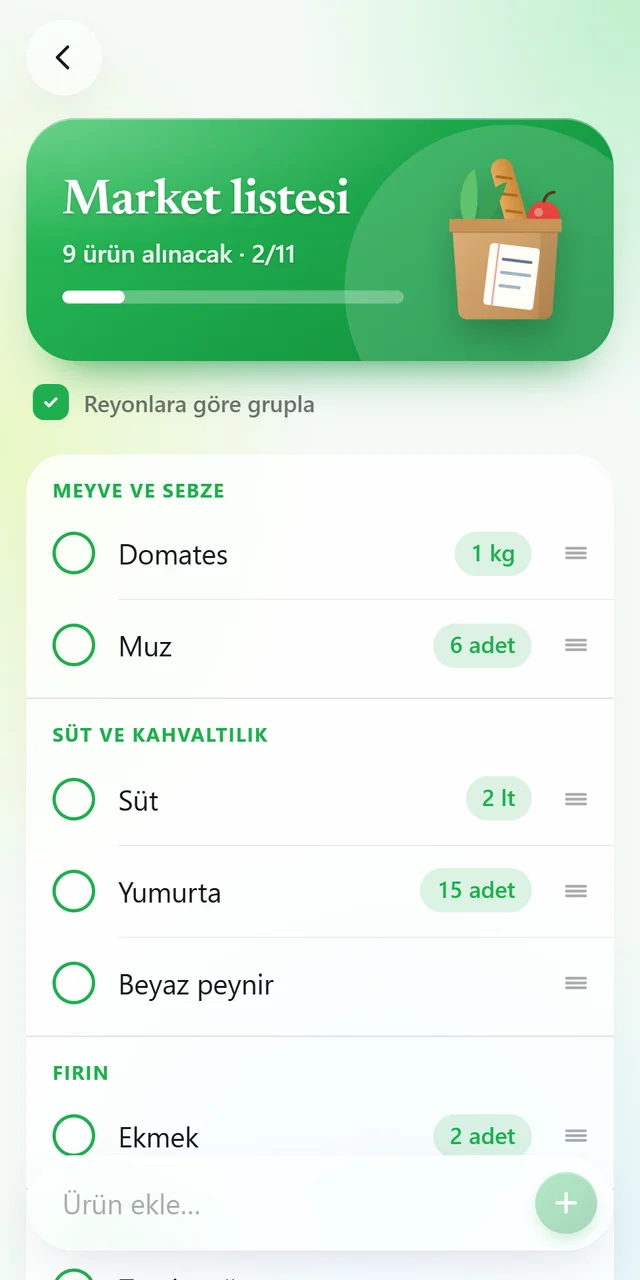
Add items with their amounts in seconds. Turn on group by aisle and the list follows the way you walk through the store.
- Produce, dairy and breakfast, bakery…
- Things you buy often are back on the list in one tap
- Tick what you've bought, clear it all when you're done
Note-taking,
made comfortable.
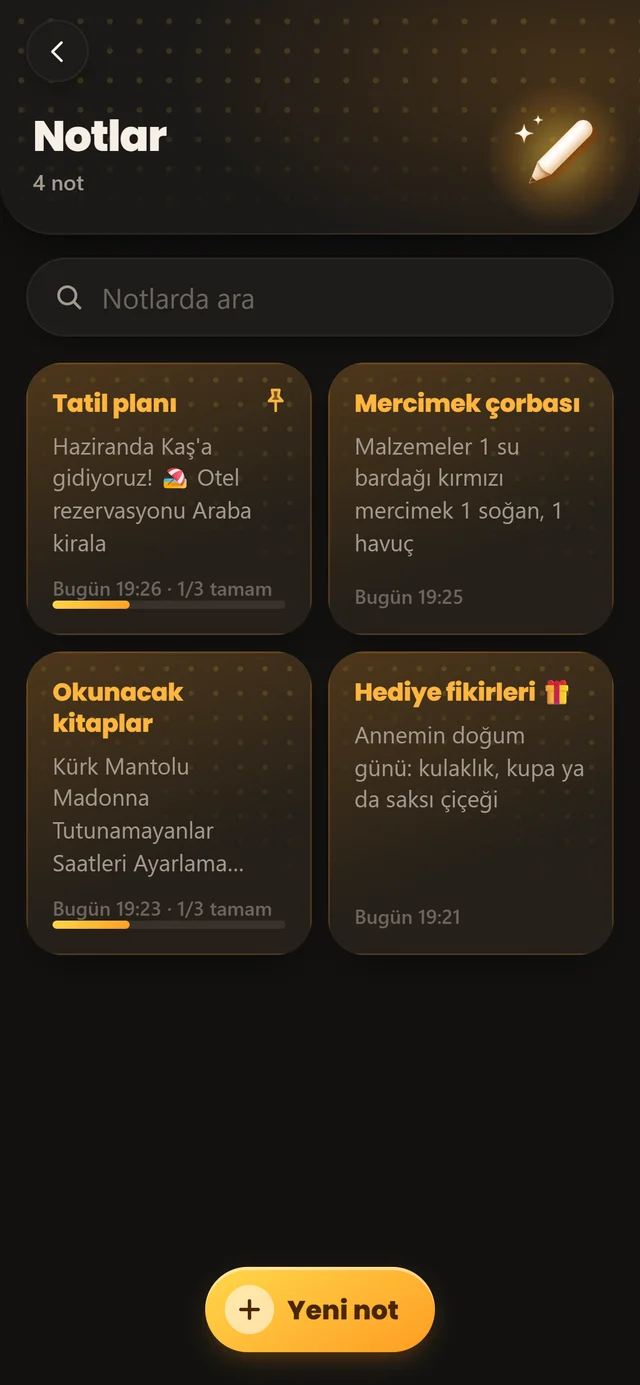
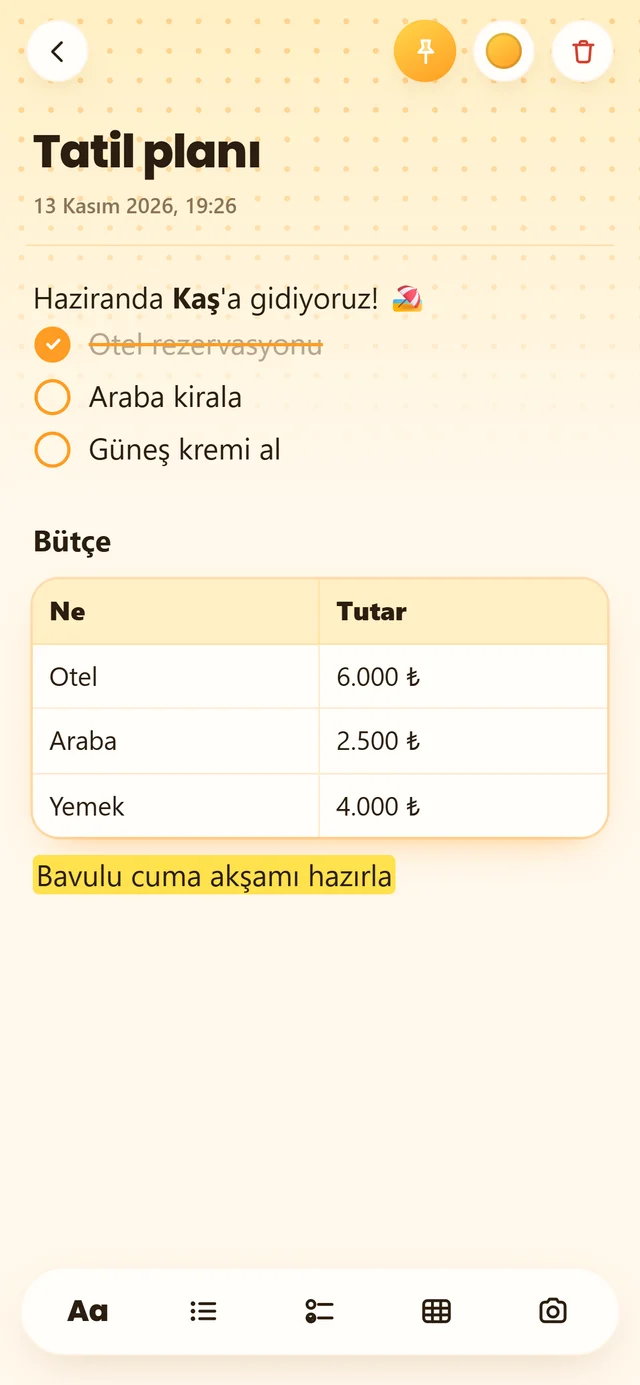
Bold, italic, headings and a highlighter; checkboxes, tables and photos. Give each note its own color if you like.
- Pin what matters to the top
- Deleted something by mistake? Bring it back with Undo
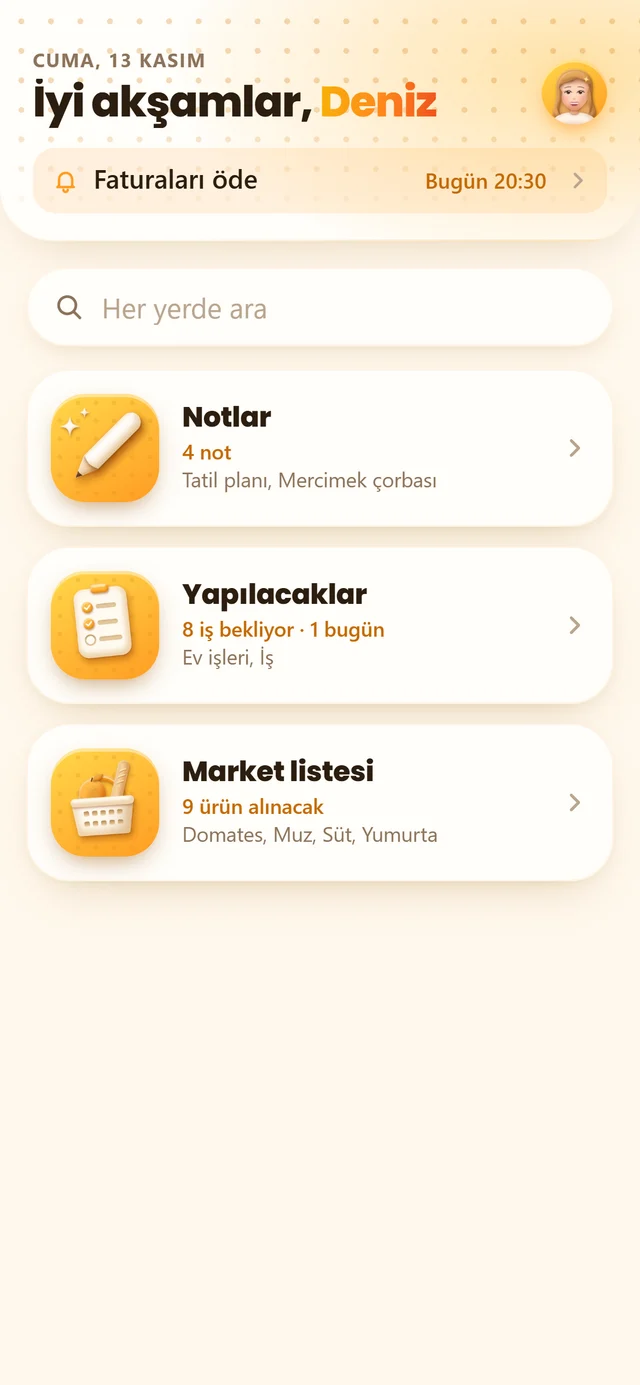
- Search notes, to-dos and the shopping list from one box
Pick a color.
Everything follows.
Six app colors paint the cards, buttons and 3D objects; even your avatar's hair matches. Light, a graphite dark theme that's easy on the eyes at night, or automatic to match your phone.
Your notebook. Only yours.
77 Notes asks for no account and shows no ads. Everything you write stays on your phone; neither an account nor your notes ever come to us.
No sign-up
Open it and start writing.
No ads
Only your notes on screen.
Stays on your phone
Your notes never come to us.
Works offline
On a plane, in the mountains, anywhere.
From Cep Defteri
to 77 Notes.
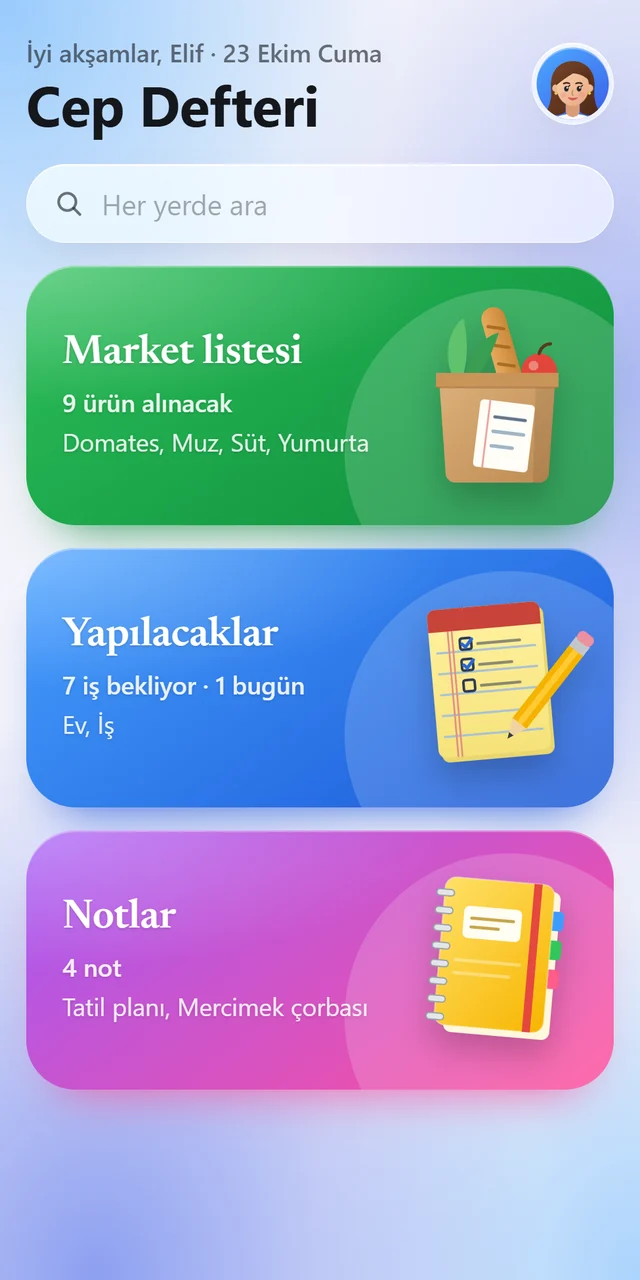
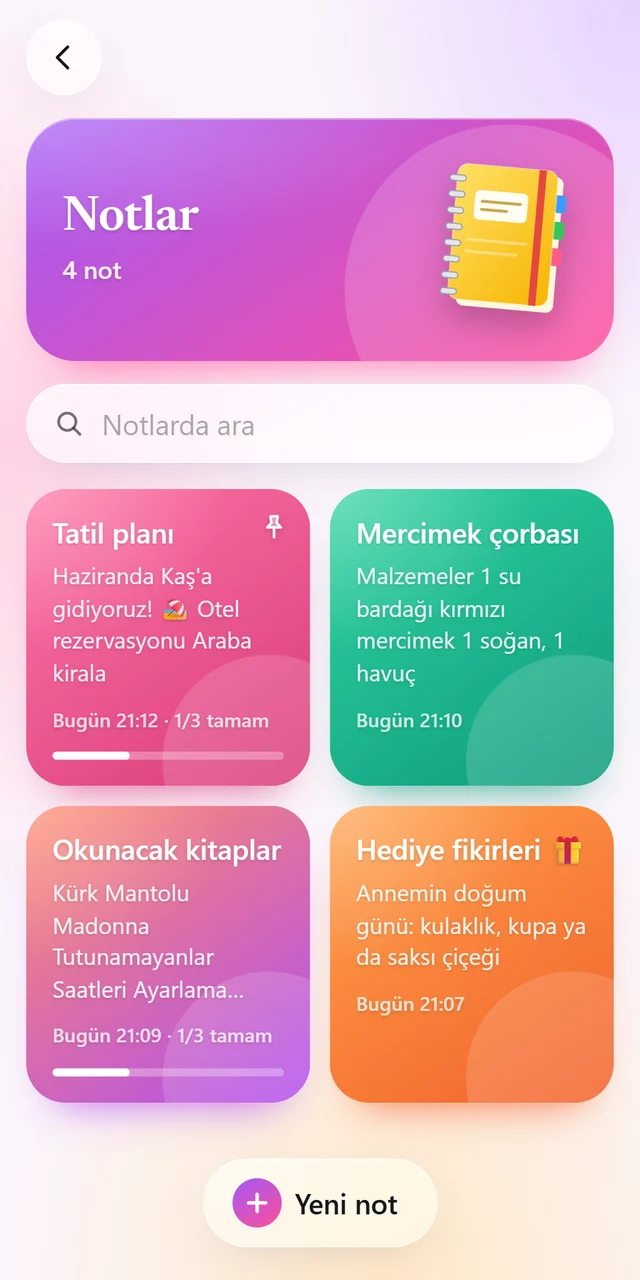
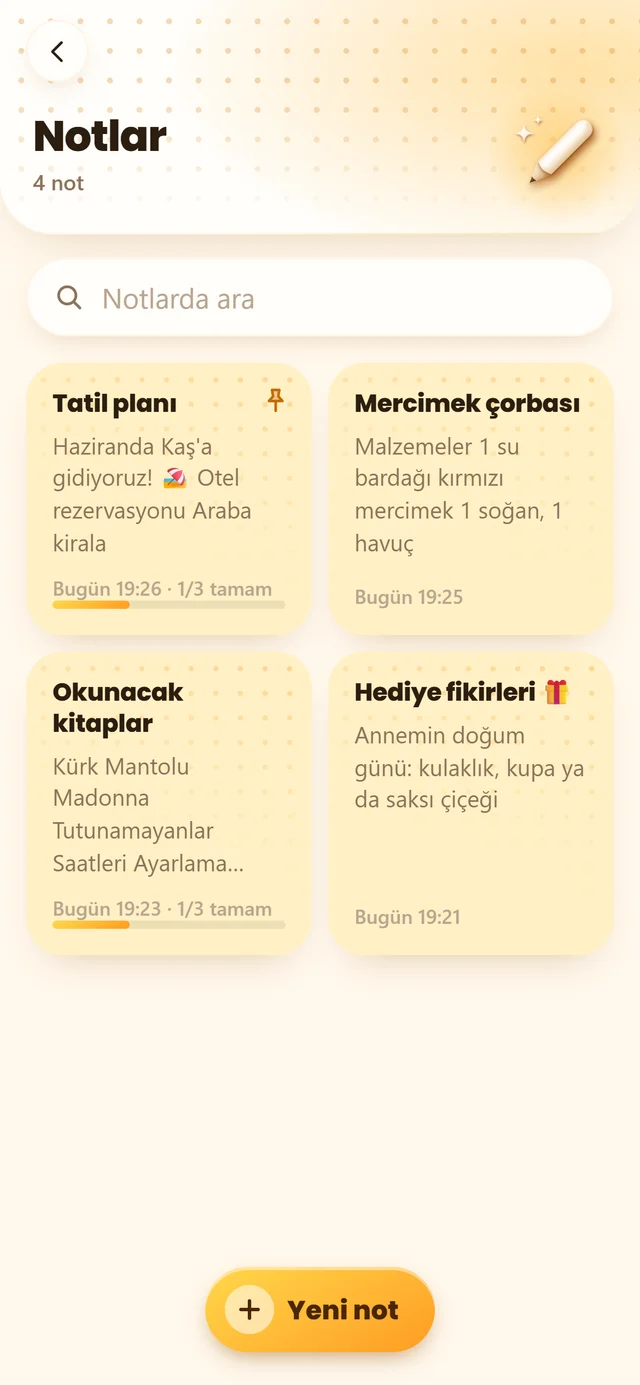
77 Notes was born in October 2026 as Cep Defteri, Turkish for "pocket notebook". A month later it got a new name, a new icon and a redrawn design.
 Cep DefteriColorful cards, purple icon
 77 NotesAmber color, 3D objects, graphite dark theme
- October 2026
Cep Defteri is born
Shopping list, to-dos and notes in a single notebook.
- October 2026
Closed test
Tried on 12 testers' phones for 14 days.
- November 2026
77 Notes
A new name, a new icon and a graphite dark theme. Testers asked for more personal touches, so 6 app colors and 3D avatars arrived.
Tech specs
- Price
- Free
- Platform
- Android 8.0 and later
- Size
- About 3 MB
- Language
- Turkish
- Internet
- Not needed
- Account
- Not needed
- Developer
- 77 Studios
Questions & answers
What is 77 Notes?
77 Notes is a free Android app that keeps your notes, to-dos with reminders and shopping list in one simple notebook. There is no sign-up and no ads, it works offline and everything stays on your phone.
Are Cep Defteri and 77 Notes the same app?
Yes. The app used to be called Cep Defteri; with its redesign it became 77 Notes. Your notes and settings stay as they are.
How does the shopping list work?
You add items with their quantity in seconds. Turn on grouping by aisle and the list follows the order you walk through the store; tick items off as you go.
How do reminders work?
Add a date and time to a to-do and 77 Notes notifies you right on time. You can mark it Done or snooze it for 10 minutes straight from the notification. To-dos can repeat every day, week, month or year.
Is 77 Notes free?
Yes, 77 Notes is currently free.
Do I need an account?
No. You can start writing the moment you open the app.
Does it work offline?
Yes. None of 77 Notes' features need the internet.
Where are my notes stored?
Only on your phone; your notes never come to us. If Android backup is on, Android may include the data in the backup in your own Google account.
What if a reminder doesn't show up?
When you add a date to a task, 77 Notes asks for the permissions it needs. If one is missing, it shows up on the "Reminder permissions" card; just tap "Open" there. More: Android reminders not showing up?
Is there an iPhone version?
Not yet; 77 Notes is Android only for now.
How can I send a suggestion?
Write to [email protected]; we read everything.